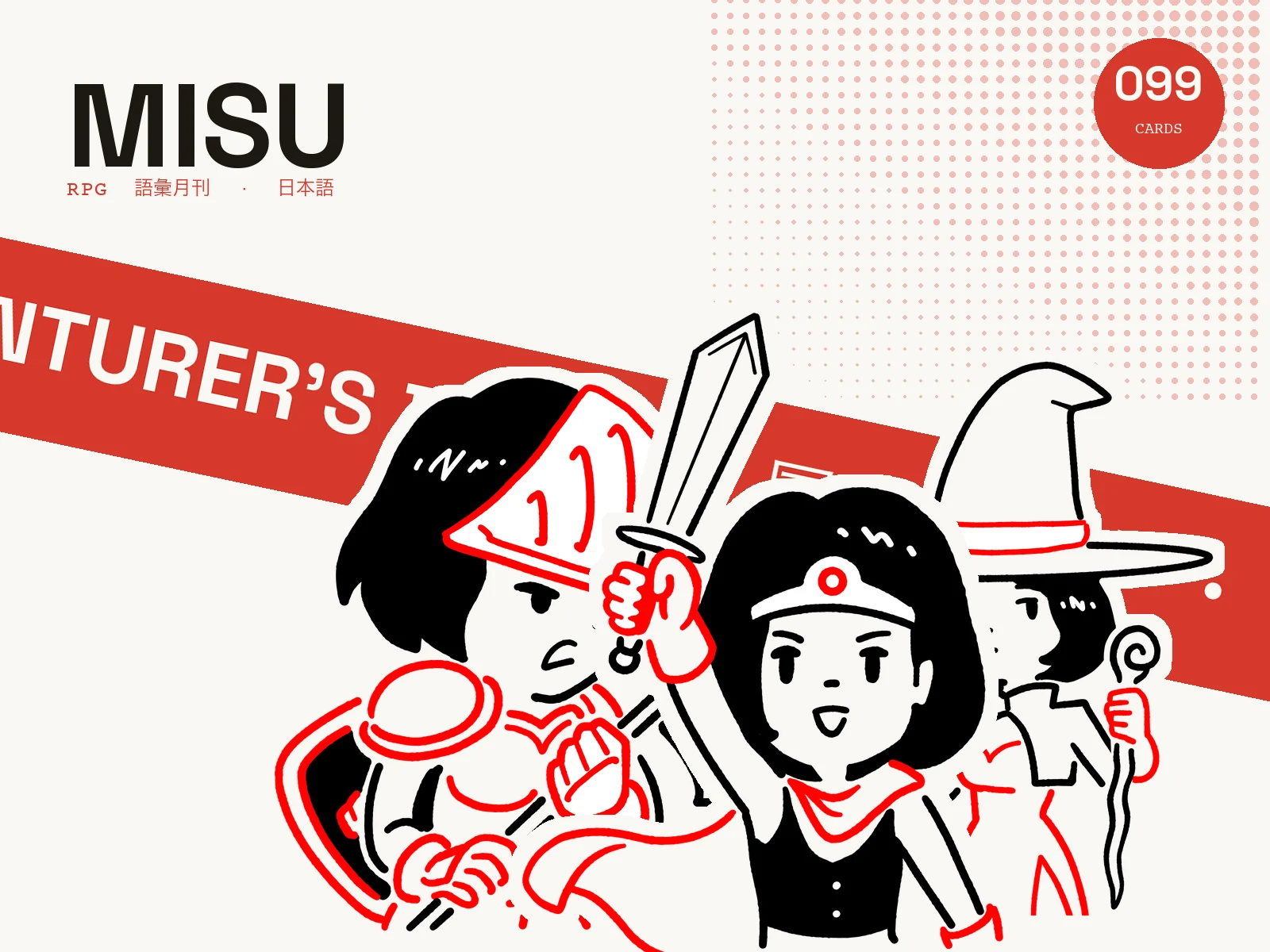
Japanese · 99 cards
The Adventurer’s Deck
Heroes, spells, monsters and loot. Learn the words of your next adventure, with artwork, audio and examples.
Made for language learning. Misu chooses examples based on the words you know and schedules reviews around how well you remember.
Fully customizable. Spaced repetition built in.
Start with a template. Make it your own.
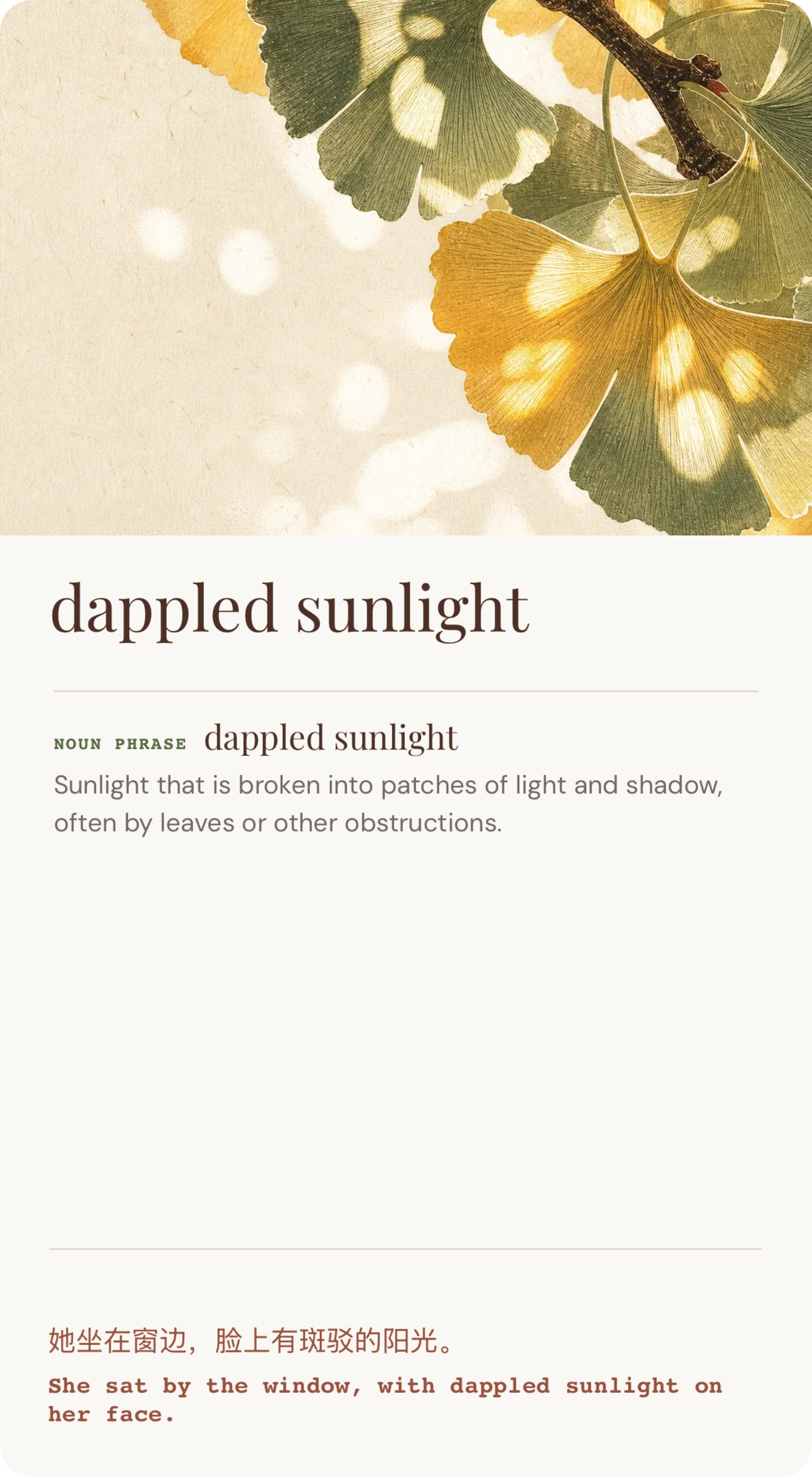
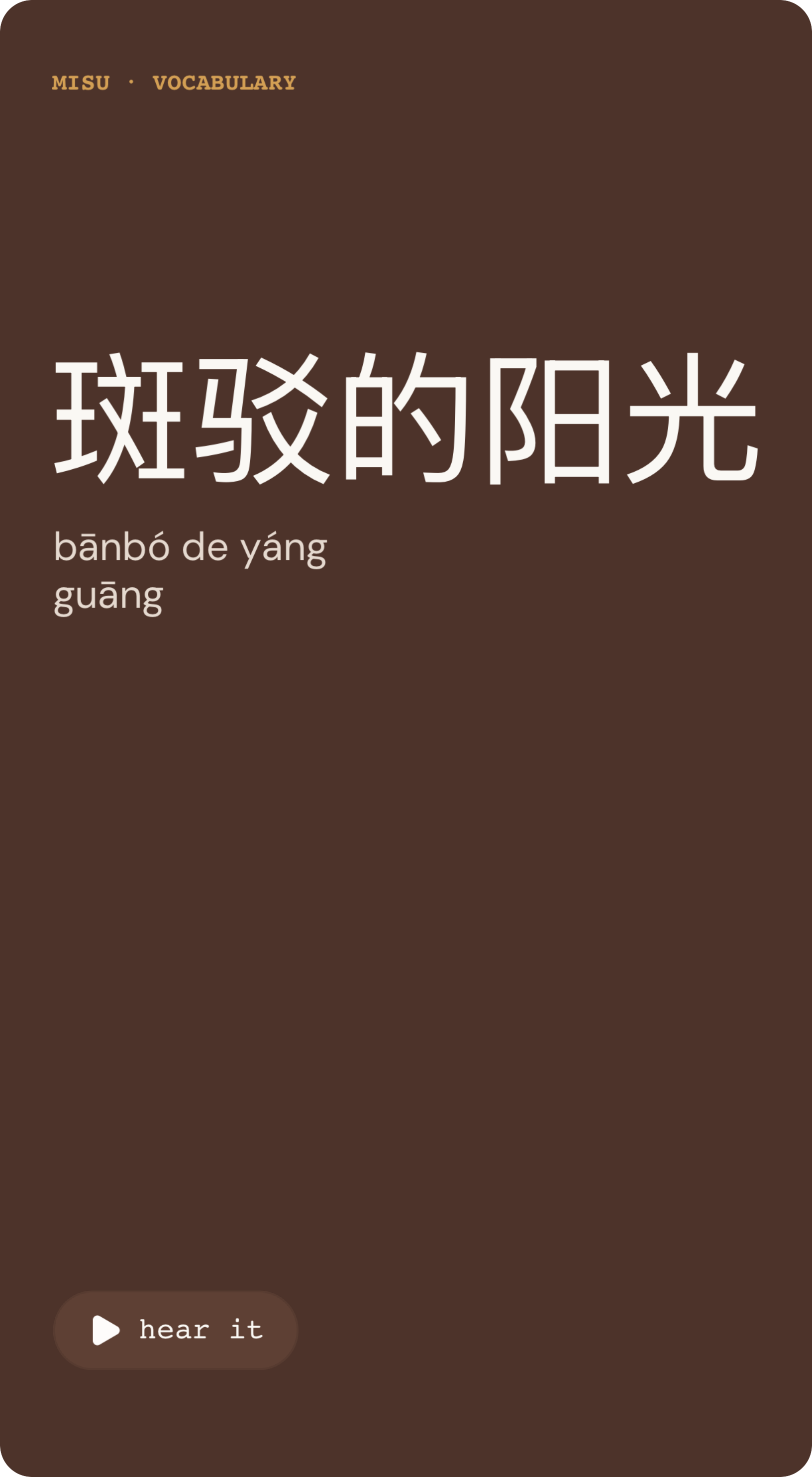
Chinese
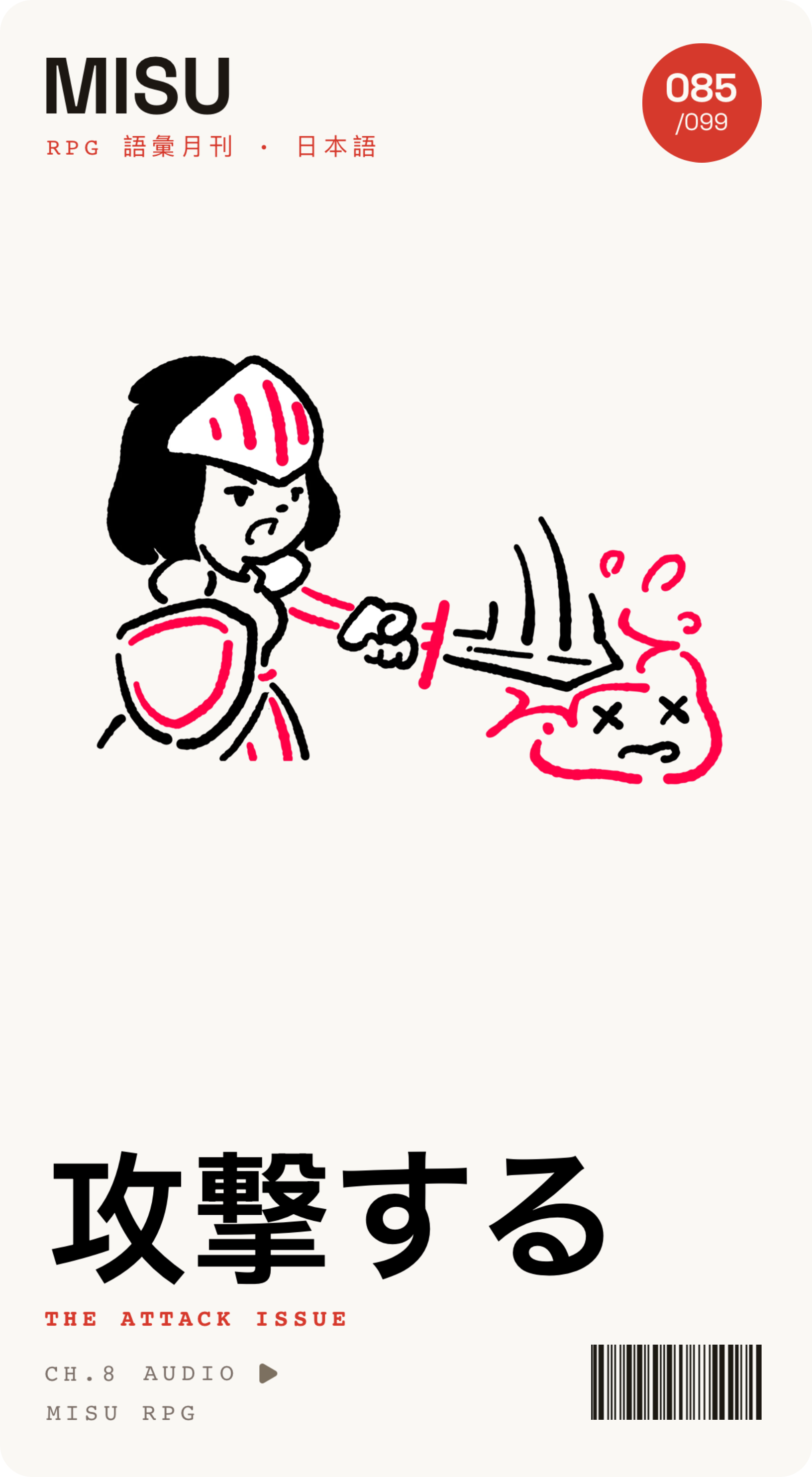
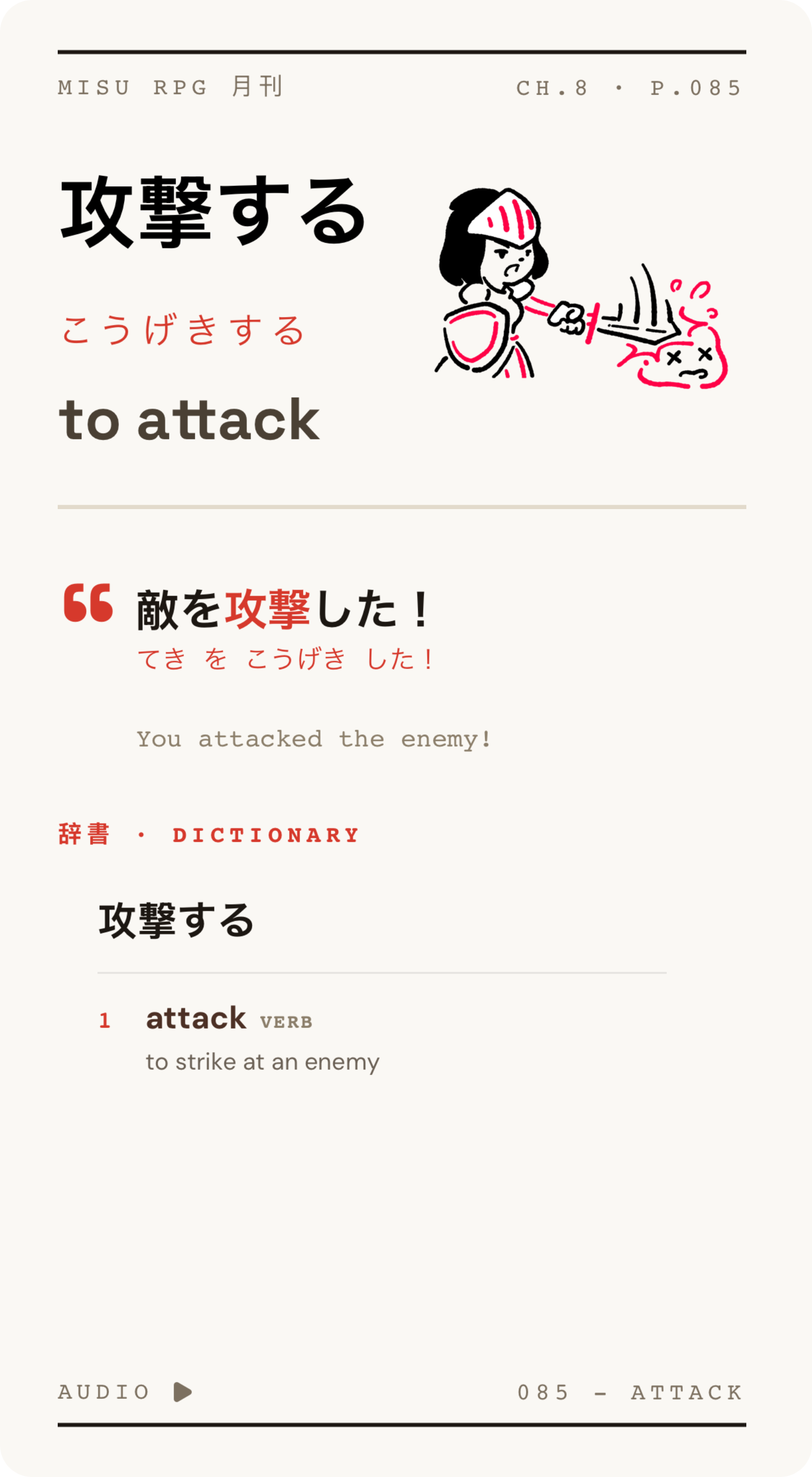
Japanese
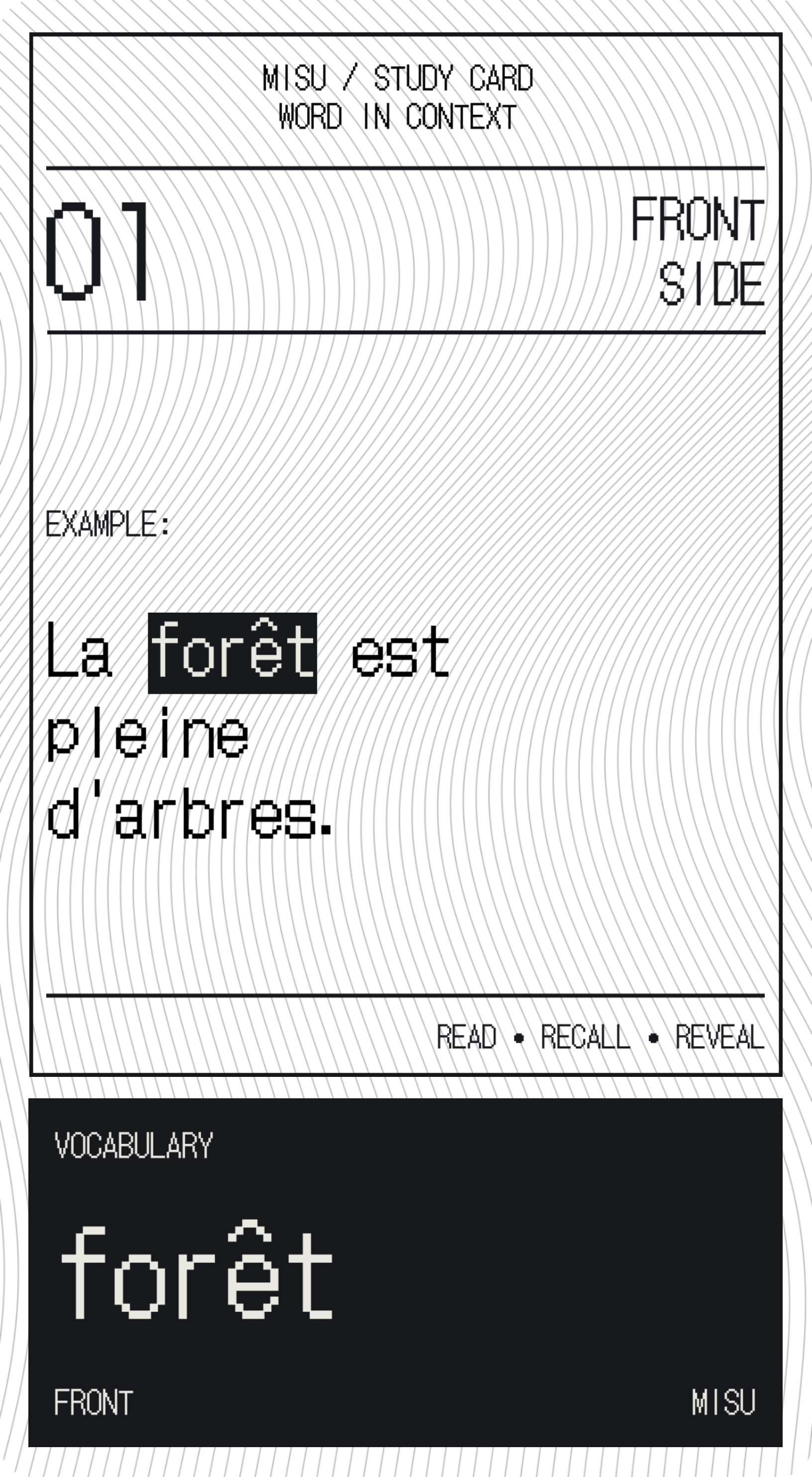
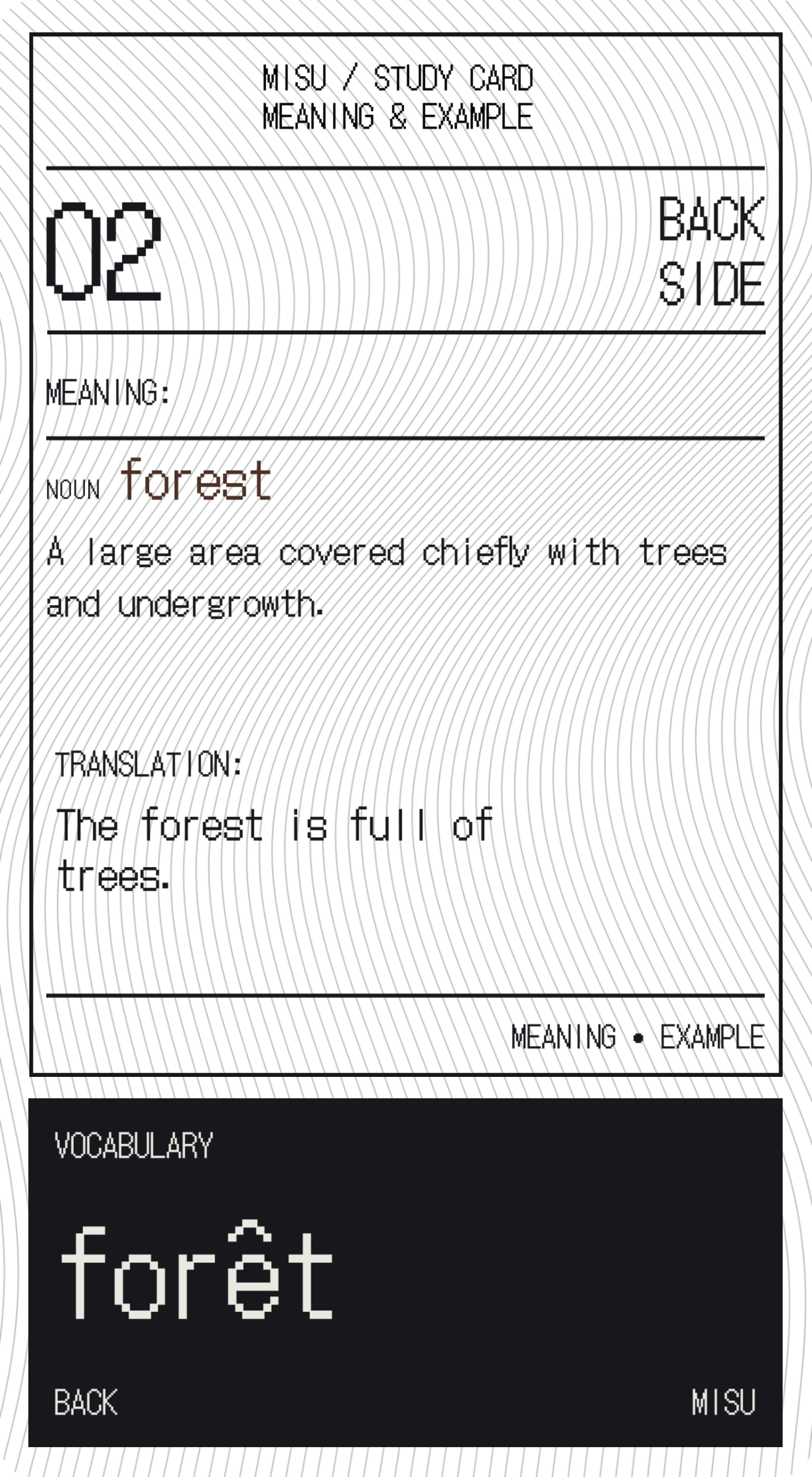
French
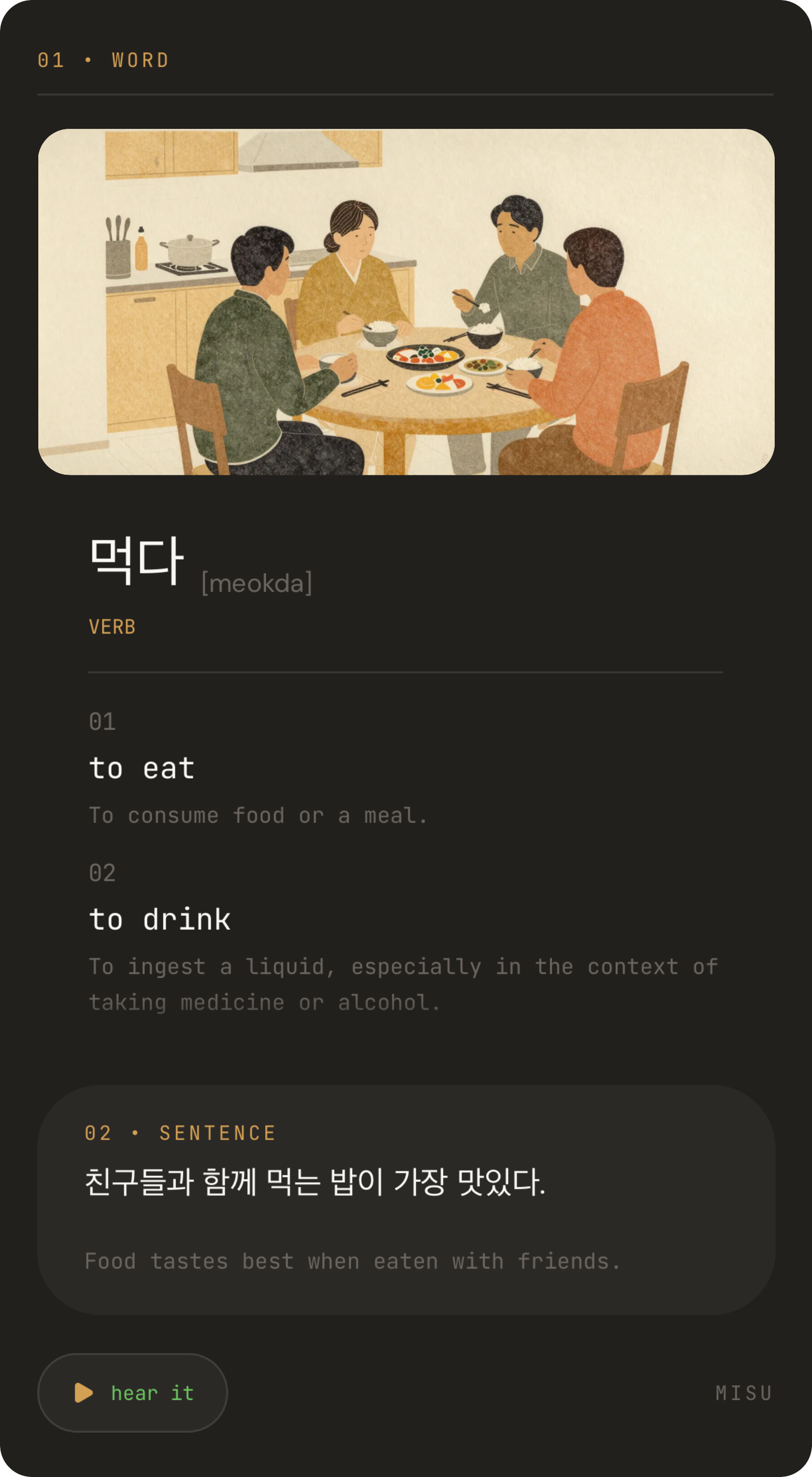
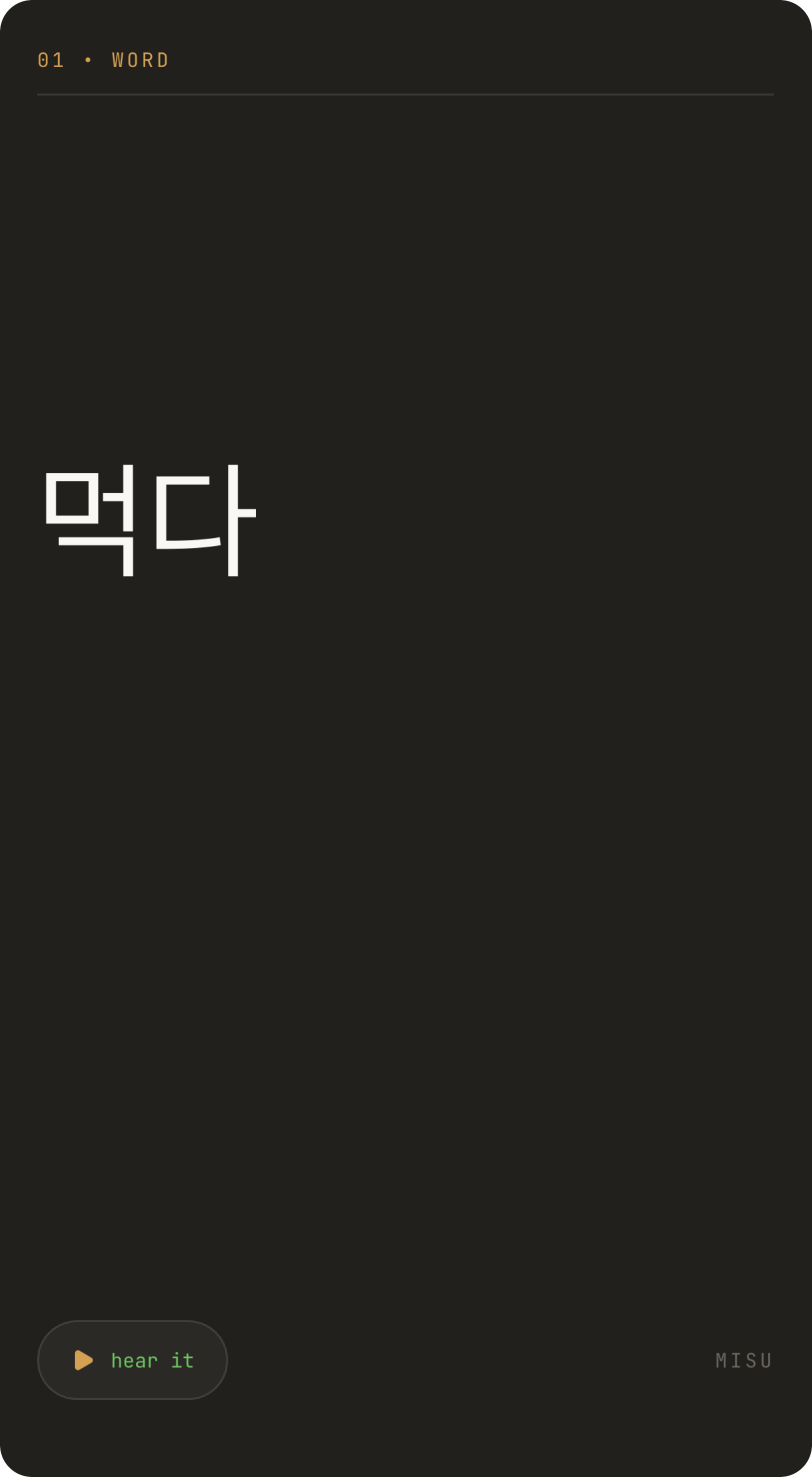
Korean
Left for “Again”. Right for “Got it”.
Spaced repetition cuts down on unnecessary reviews. Each month, Misu uses your review history to personalise future reviews around how you remember.
Your card is ready to study. Change the example, generate audio in a voice you like, create new artwork, or add your own photos and recordings.
Create a template
Choose the fields your cards need, connect them to your design, and arrange the layout. Use your template for the next words you learn.
Meet a new word in a book, a show, or a conversation? Save it for later and keep going.
Type a word or phrase, or scan text with your camera. Keep it in Saved until you’re ready.
Turn your saved words into cards. Misu chooses example sentences based on the words you already know, helping you understand the new word in context.
Spaced repetition schedules your next review around how well you remember each card.
Pick a ready-made deck and get into your first review. Add your own words as you go.
Japanese · 99 cards
Heroes, spells, monsters and loot. Learn the words of your next adventure, with artwork, audio and examples.
Selection to come
Selection to come
Finish your daily review and choose a plant for your garden on Misu’s home screen. At the end of each month, your garden, words learnt, and study time come together in a receipt you can save or share.
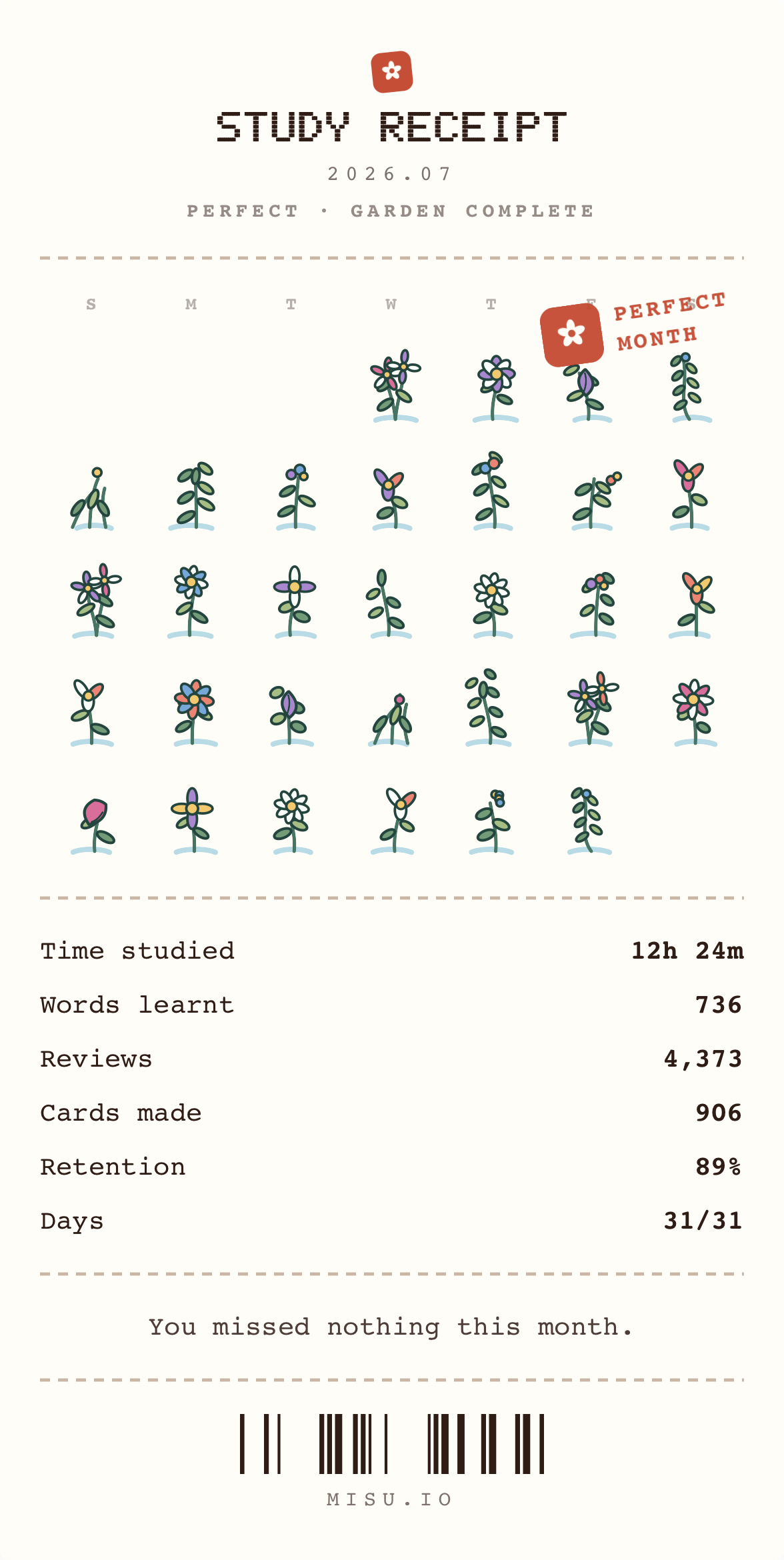
Words learnt. Time spent. Days you showed up.
A little proof that it all adds up.
Share your cards, ask questions, and tell us what you’d like to see in the app.

A little more about learning with Misu.
Try to recall a word before turning the card over, then tell Misu whether you remembered it. Example sentences give it context, and scheduled reviews help you keep returning to it over time.
Yes. Misu uses FSRS (Free Spaced Repetition Scheduler), an algorithm that adjusts review timing based on how you remember each card. FSRS is also available in Anki. You review what’s due, without planning the intervals yourself.
Yes. Turn words you encounter while reading, watching, or listening into flashcards. Add an example sentence from that context, or choose and edit an example that makes the word easier to remember.
Absolutely. Type a word or phrase, or use the camera to scan text, and add it to Saved. Come back when you’re ready to make cards, one at a time or from a selection of saved words.
Yes. Generate audio in a voice you choose, upload a recording, or record your own voice. You can also choose a different example sentence, write your own, and edit the wording directly on the card.
Edit the text, change the artwork, add your own photos and recordings, and move things into place. For a design you’ll use again, create a template with your own fields and layout, then use it for new words.
No. Start with a ready-made deck, create cards from your own words, or do a bit of both. You can begin studying a deck and add personal cards as you come across new vocabulary.
You can make flashcards for languages including Japanese, Korean, Chinese, Spanish, French, and German, among many others. Choose the language you’re learning when you create a card.